Coordina • B2B SaaS • Defense & Aerospace Technology
Turning a fragmented
planning process into
one shared operational view
Redesigning a police operational planning platform to help teams plan, coordinate, and brief with clarity and speed.
US Space Force 2020
1. PROJECT SNAPSHOT

2. BACKGROUND
3. THE PROBLEM
A fragmented process slowed down planning and created risk

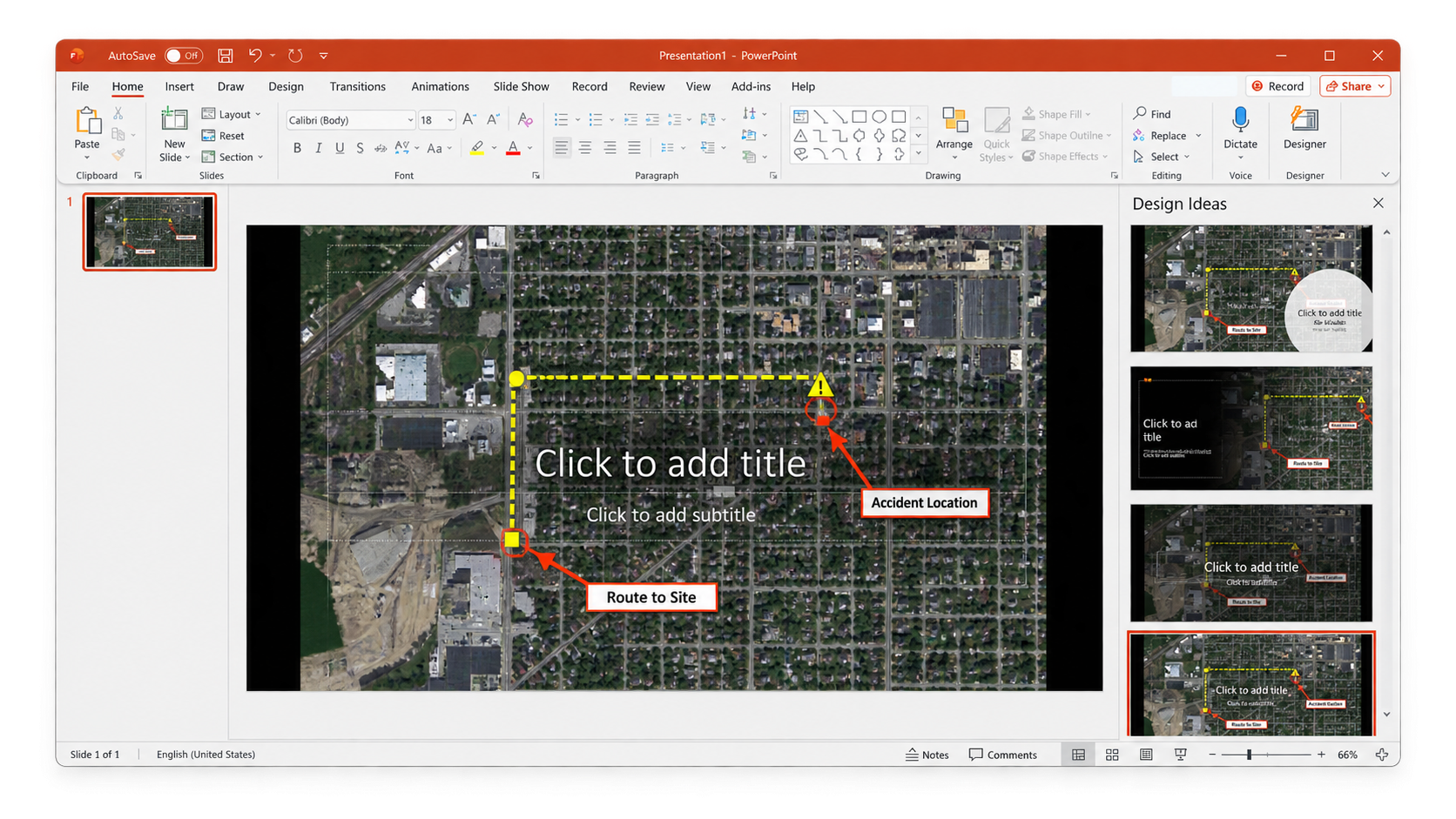
Districts emailed support requests to planners; requests were managed on shared drives, and communication happened through phone and email. Planners then assembled the Master Plan in PowerPoint, creating a workflow that was difficult to keep current and not ready to support a higher request volume.
Master Policing Plan
Across U.S. police precincts, operational planners develop resource allocation plans for their districts aligned with the chief’s priorities. These master policing plans are produced using PowerPoint, then approved and distributed to officers across the department for review.
4. DISCOVERY & RESEARCH
Discovery that shaped the direction
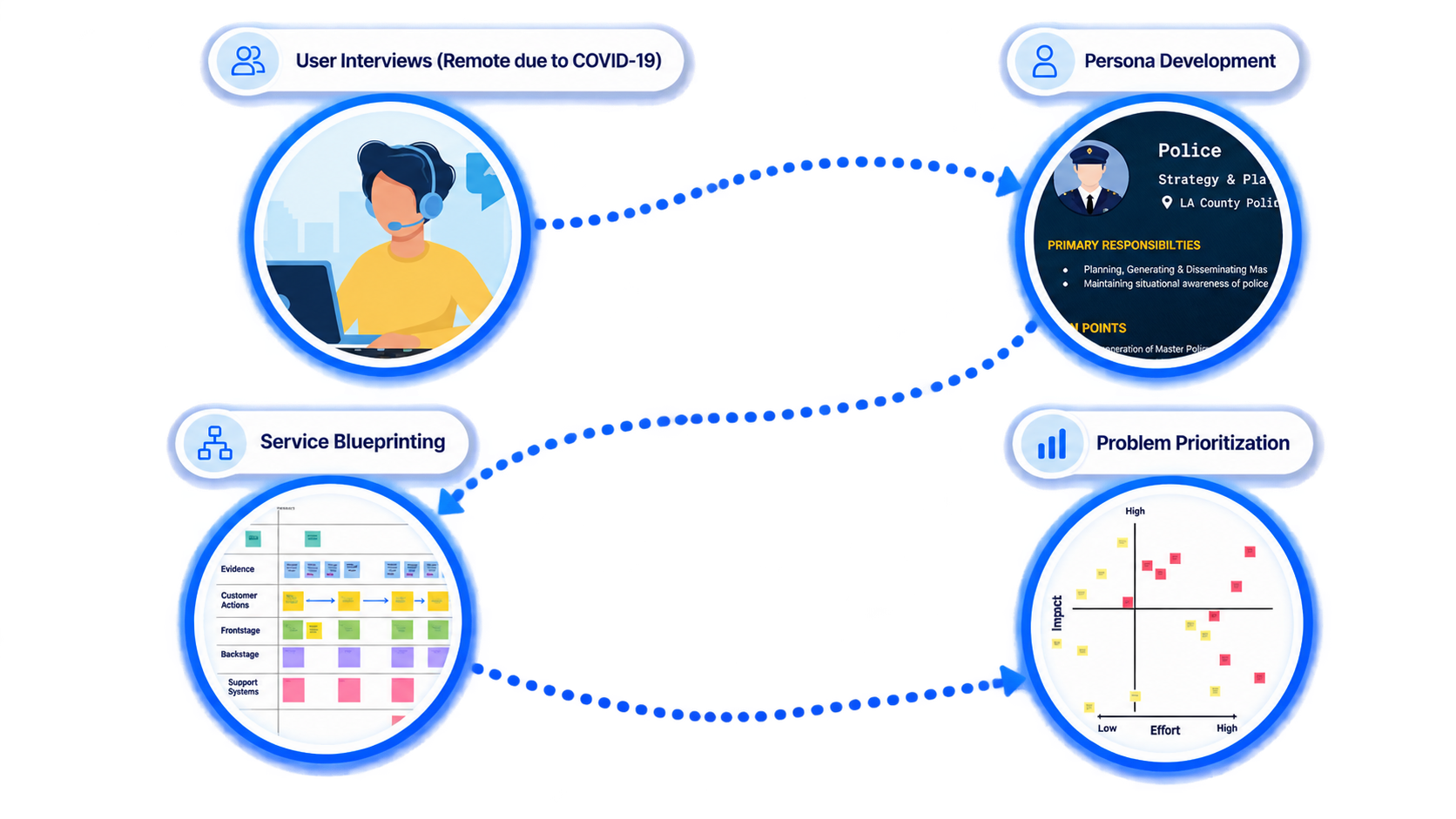
User interviews, persona development, service blueprinting, and problem prioritization helped me identify the highest-friction parts of the planning workflow and focus the product around the problems that mattered most.
PERSONAS
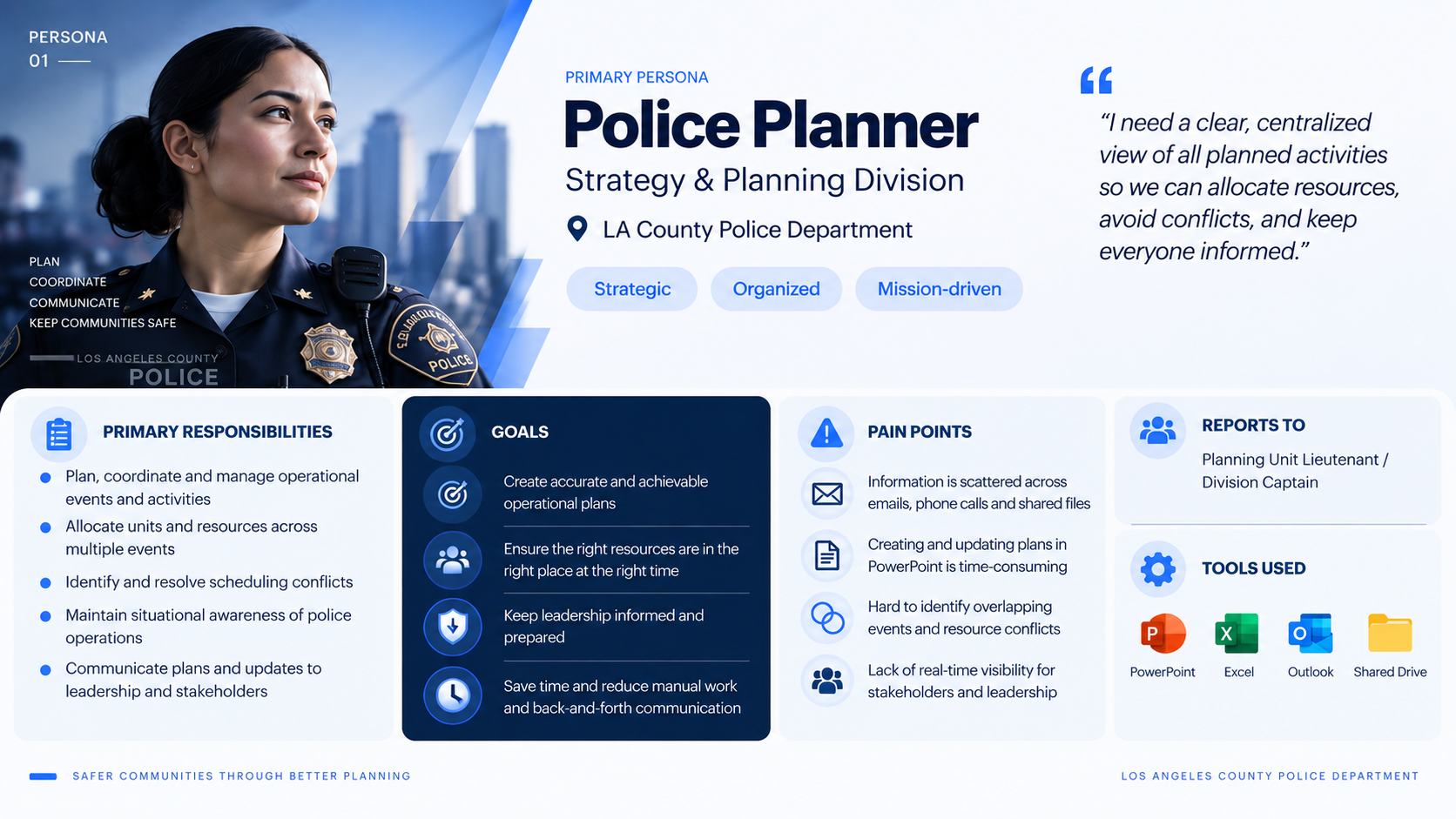
Planners relied heavily on legacy tools like PowerPoint and Word to manually create operational plans. This time-consuming process made plans harder to maintain, slower to produce, and more prone to inaccuracies.
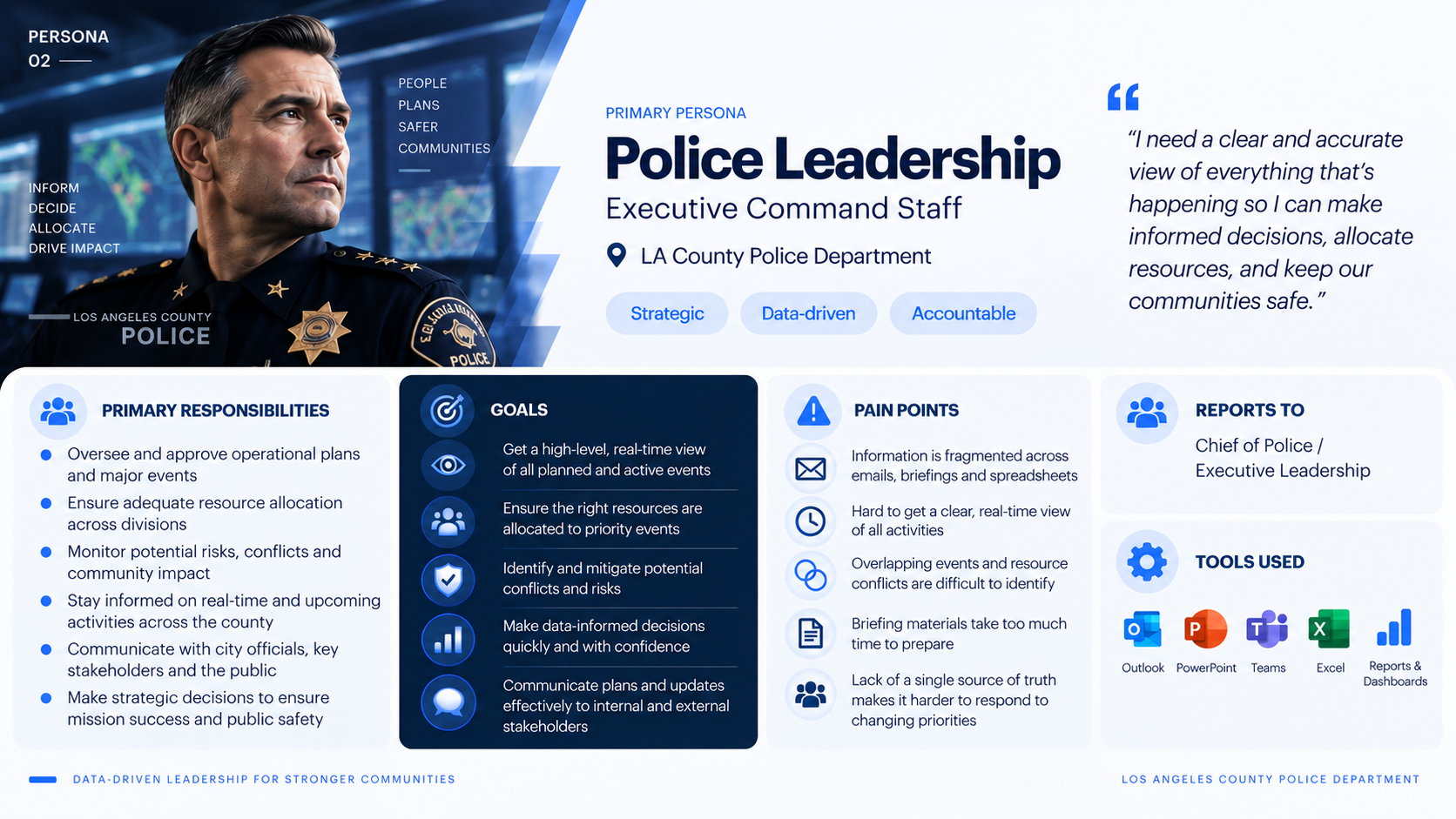
Leadership lacked a clear view of how planned activities unfolded over time, making it difficult to understand dependencies, anticipate downstream impacts, and make informed decisions across the district.
5. KEY INSIGHTS & DESIGN DECISIONS
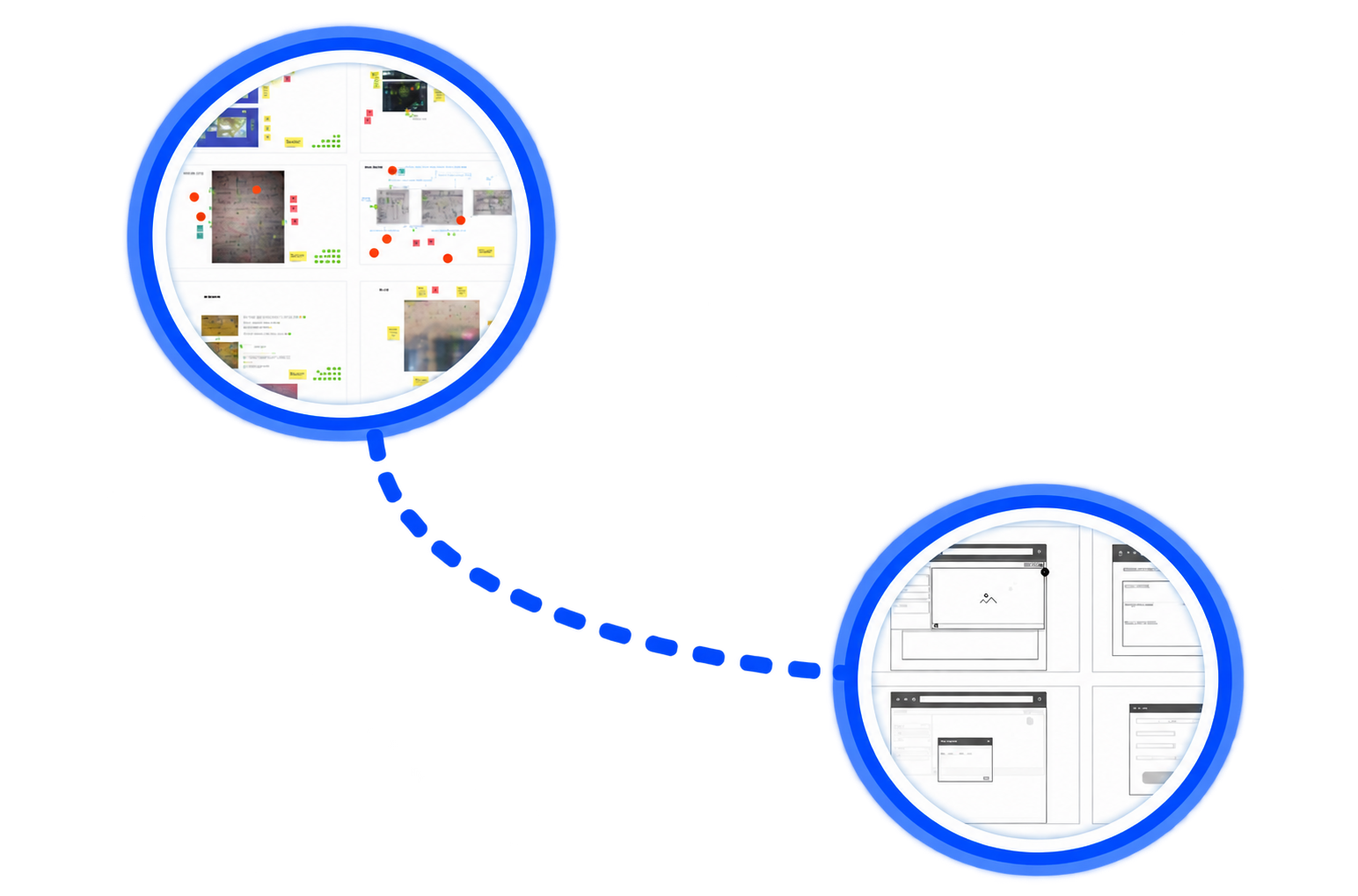
Cross-functional Design Workshops
Once we aligned on the key problems to solve, I facilitated a series of cross-functional design workshops to explore ideas, align on priorities, and identify the strongest concept to validate with users.
User Flows & Storyboarding
Once we aligned on the key problems to solve, I facilitated a series of cross-functional design workshops to explore ideas, align on priorities, and identify the strongest concept to validate with users.
The design moved from a document mindset to an operational one.
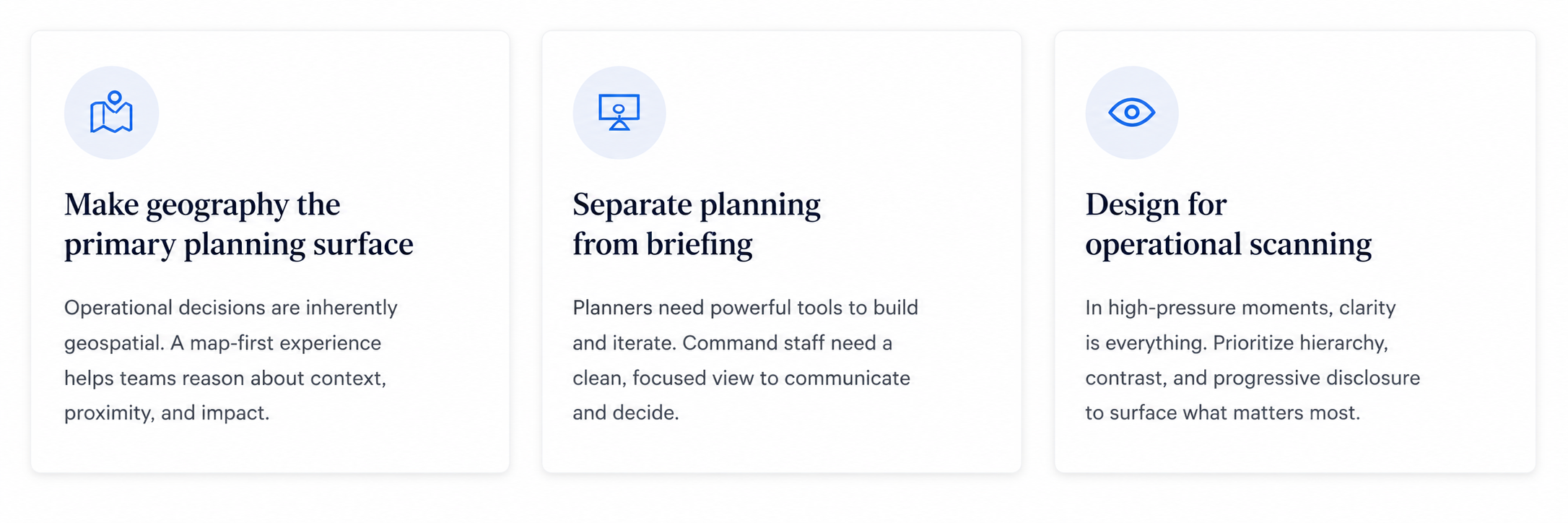
Research mattered because it changed the product. These were three of the decisions that shaped the final experience.
7. DESIGN EVOLUTION
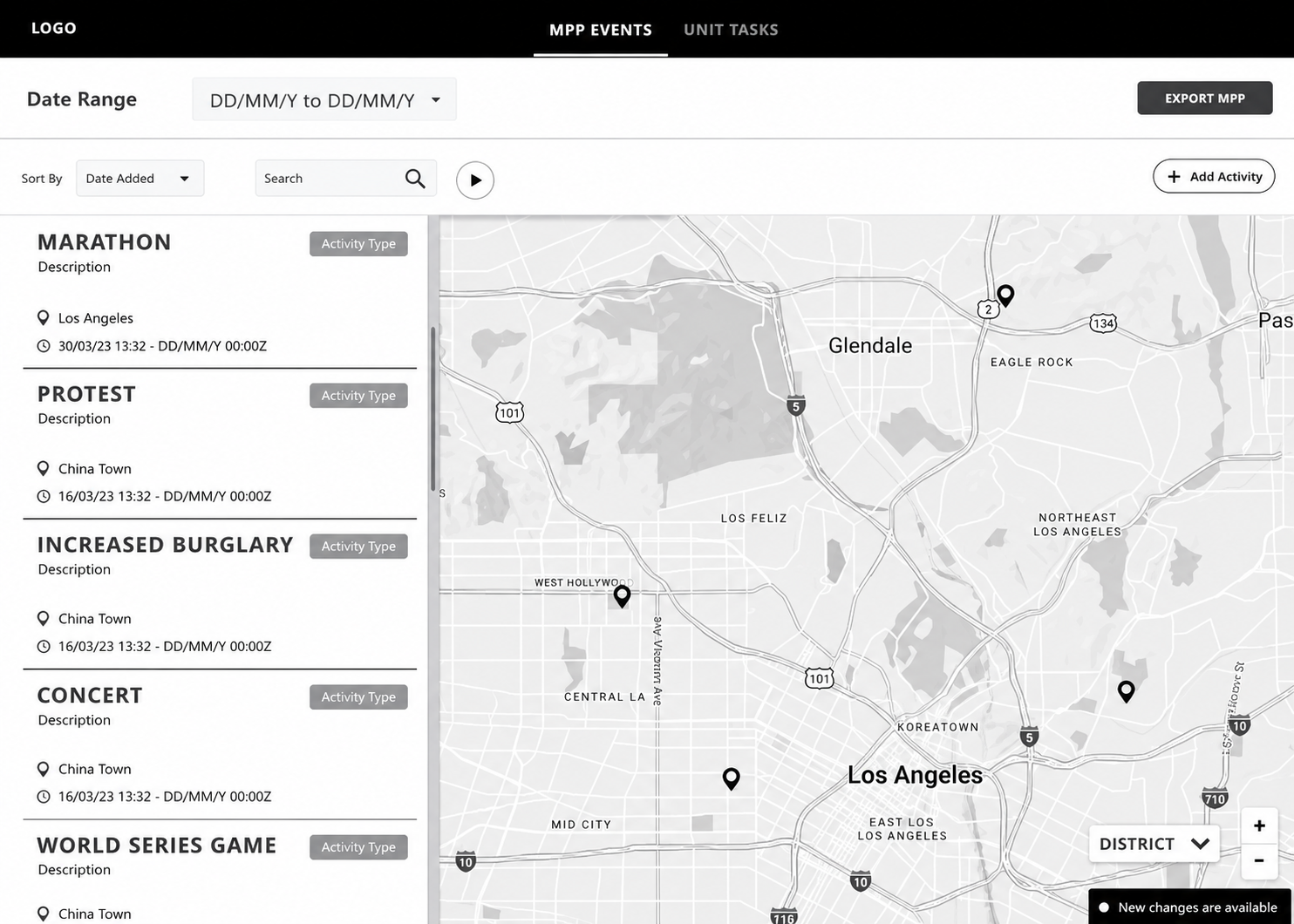
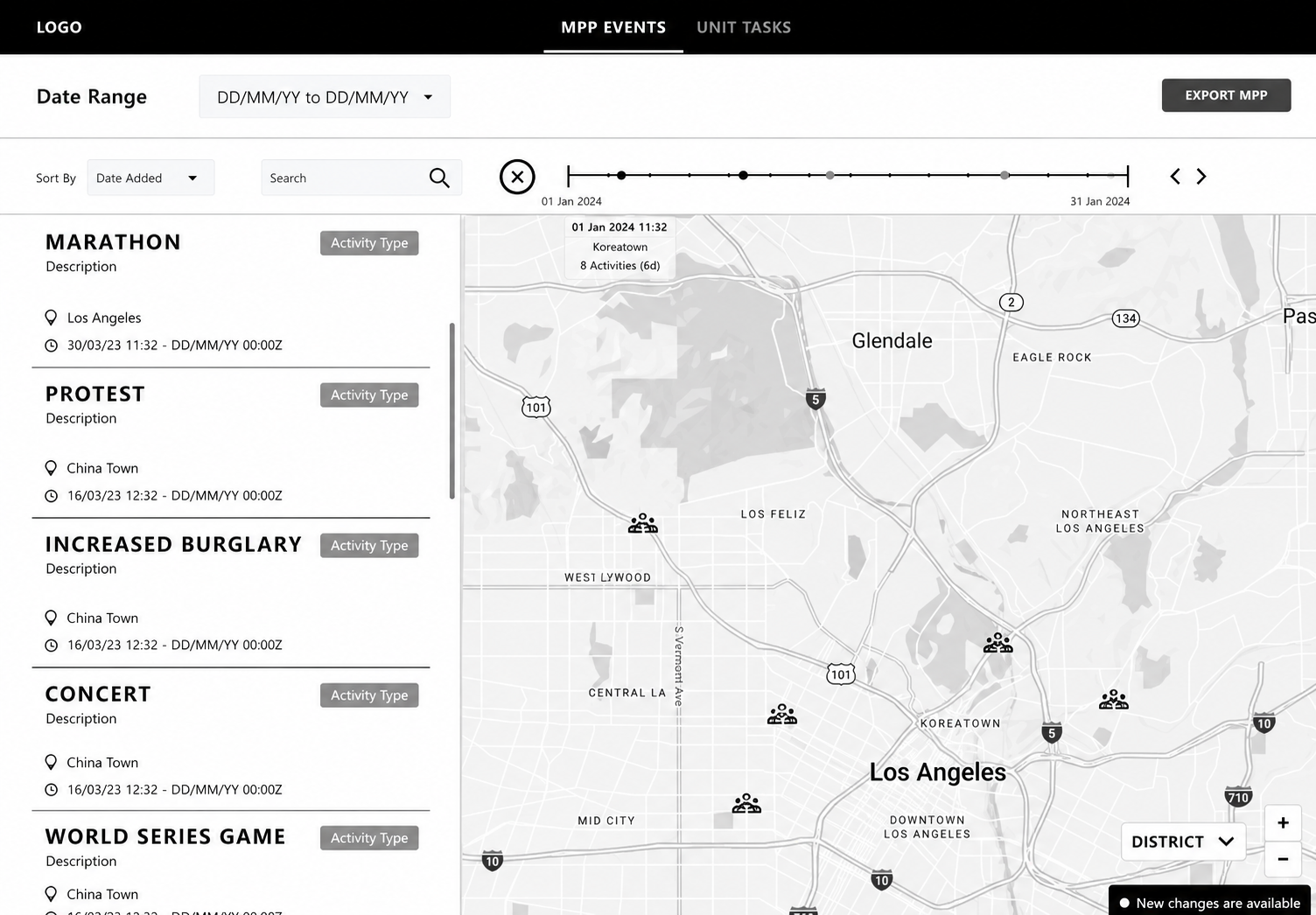
From early map concepts to a shared operational view.
Early concepts tested activity management, geography and timeline coordination.
8. CONCEPT VALIDATION
Concept Testing
I conducted 9 concept-testing sessions—5 with police planners and 4 with leadership. With planners, we evaluated usability and workflow efficiency; with leadership, we focused on comprehension, situational awareness, and whether the experience supported confident decision-making.
Synthesis & Analysis
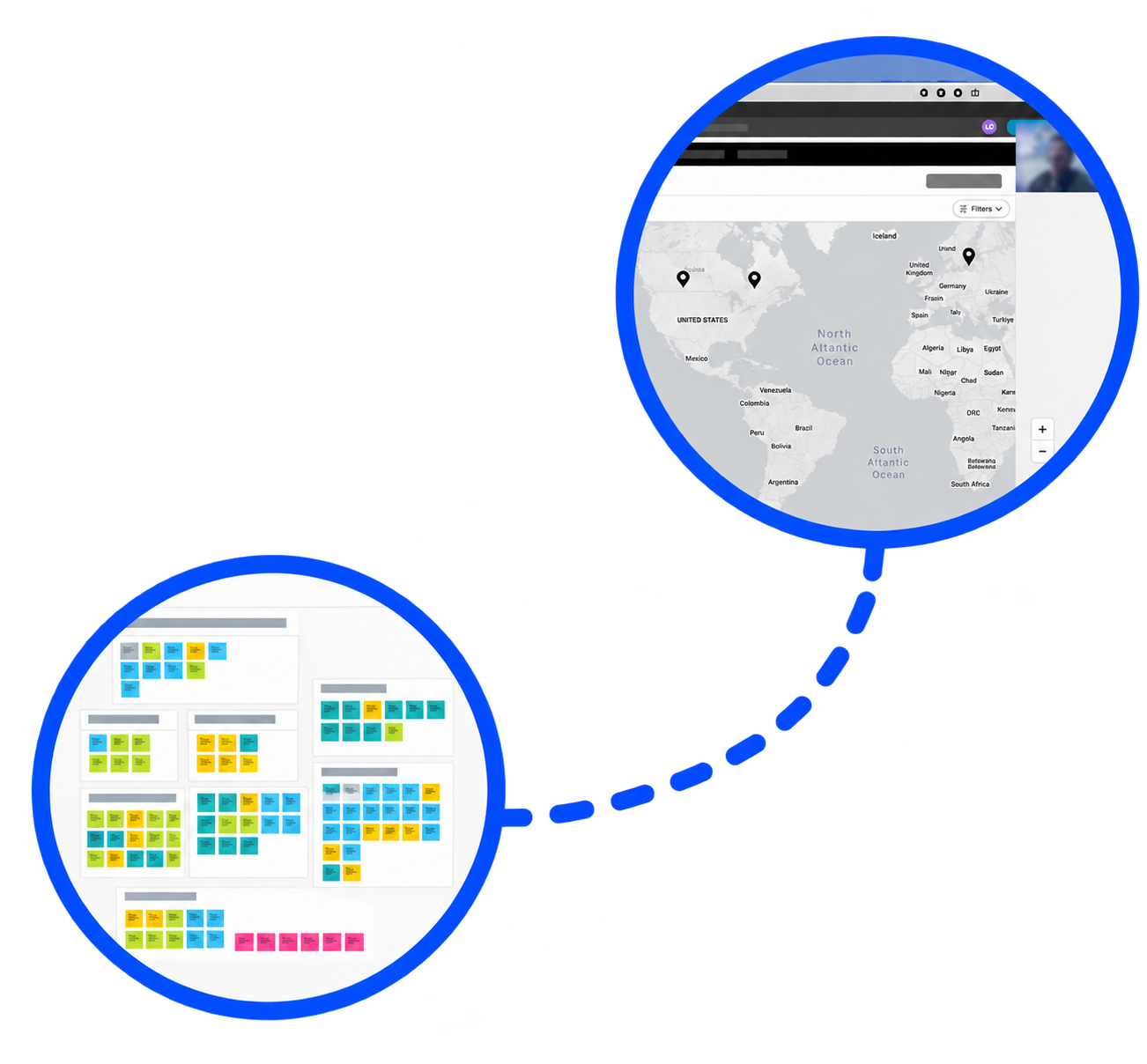
After testing, I reviewed session recordings and synthesized observations in Miro. I then facilitated a collaborative analysis session to identify recurring patterns, prioritize key insights, and translate findings into actionable design improvements.
9. FINAL SOLUTION
Planning Mode
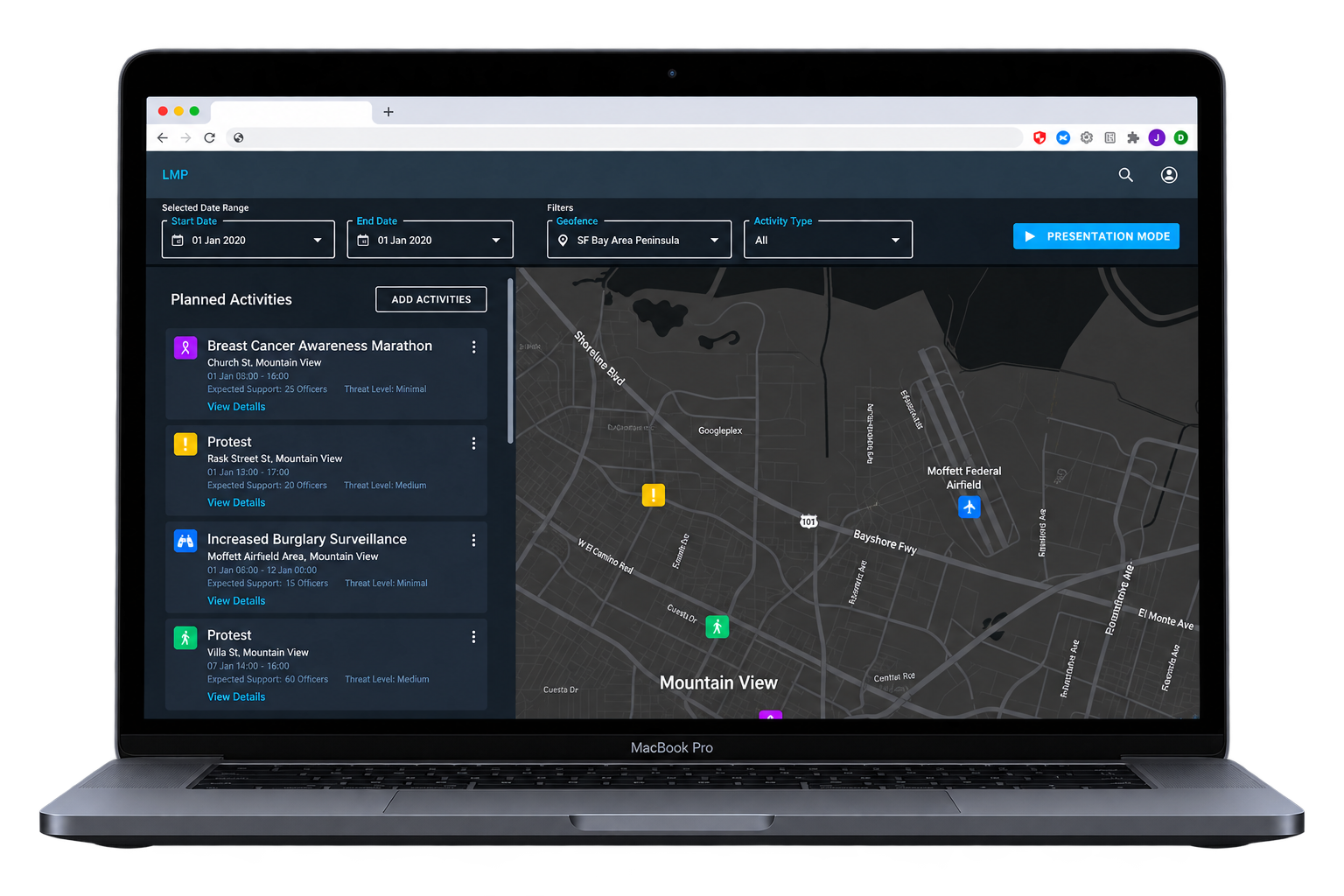
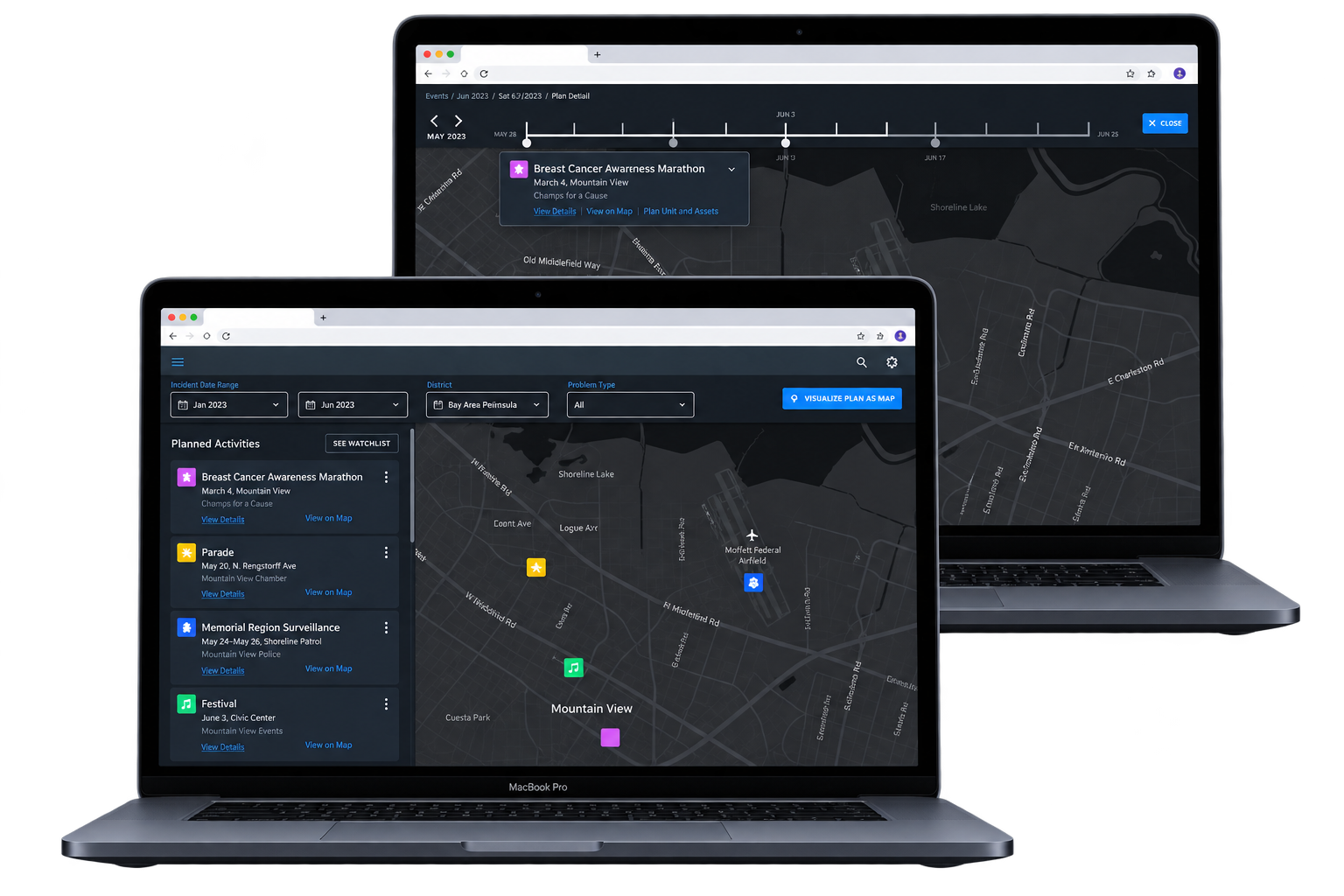
Activity List: Event summaries are simultaneously viewable next to the map view.
Advanced Filters: Narrow by date range, region, and activity type.
Map: Understand location and proximity.
Visual Differentiation: Customizable activity icons for quick recognition/differentiation.
Dark Mode UI: Suitable for dimly lit offices that planners tend to work in.
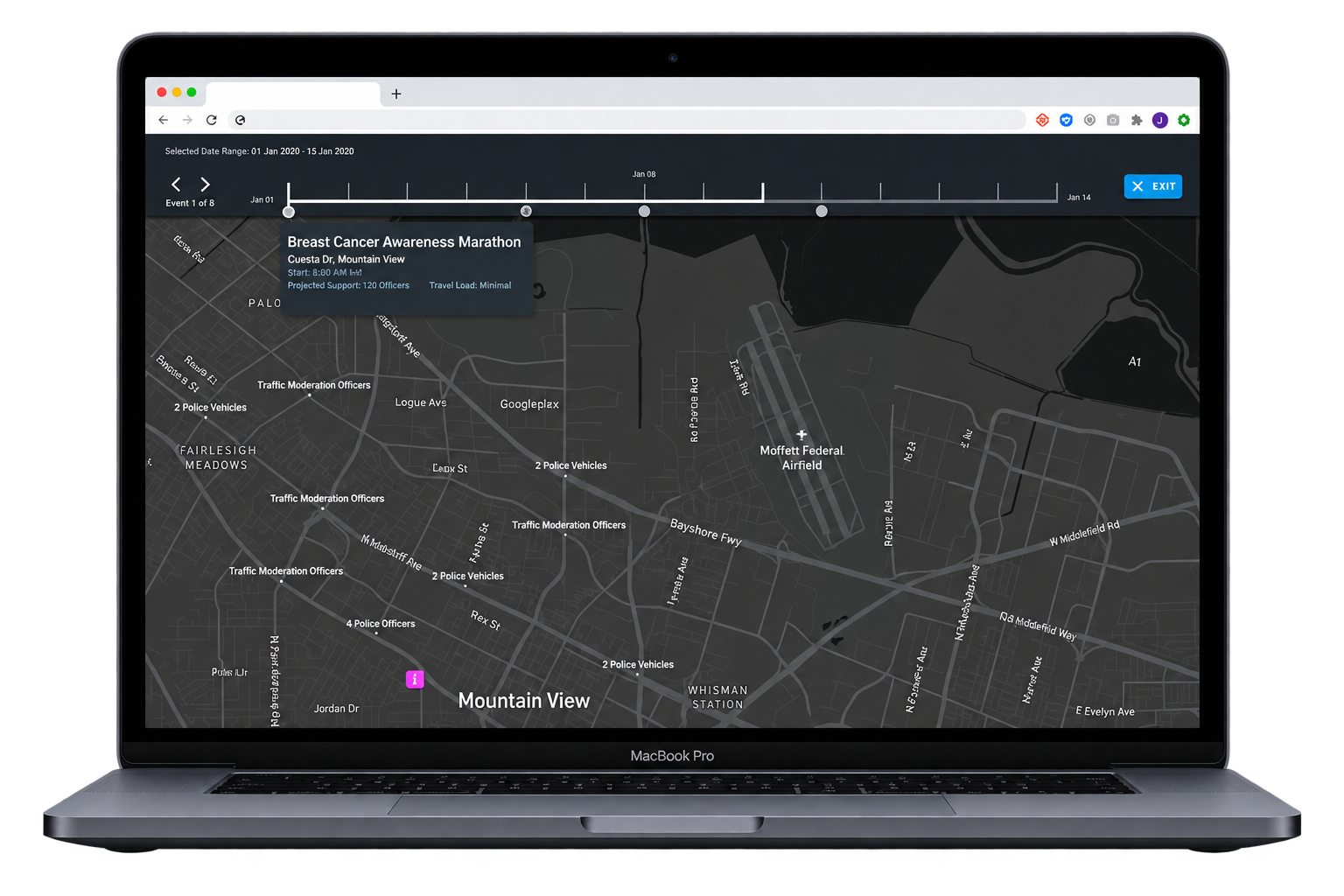
Presentation Mode
Presentation Mode: For quickly viewing activities over time.
Activity Details: Police units assigned to an activity and other details are displayed when the activity is highlighted.
Timeline Overview: Shows activity duration and overlap with other activities.
Controlled Playback: Click-to-play events (instead of auto-playing) to allow discussion during briefings.
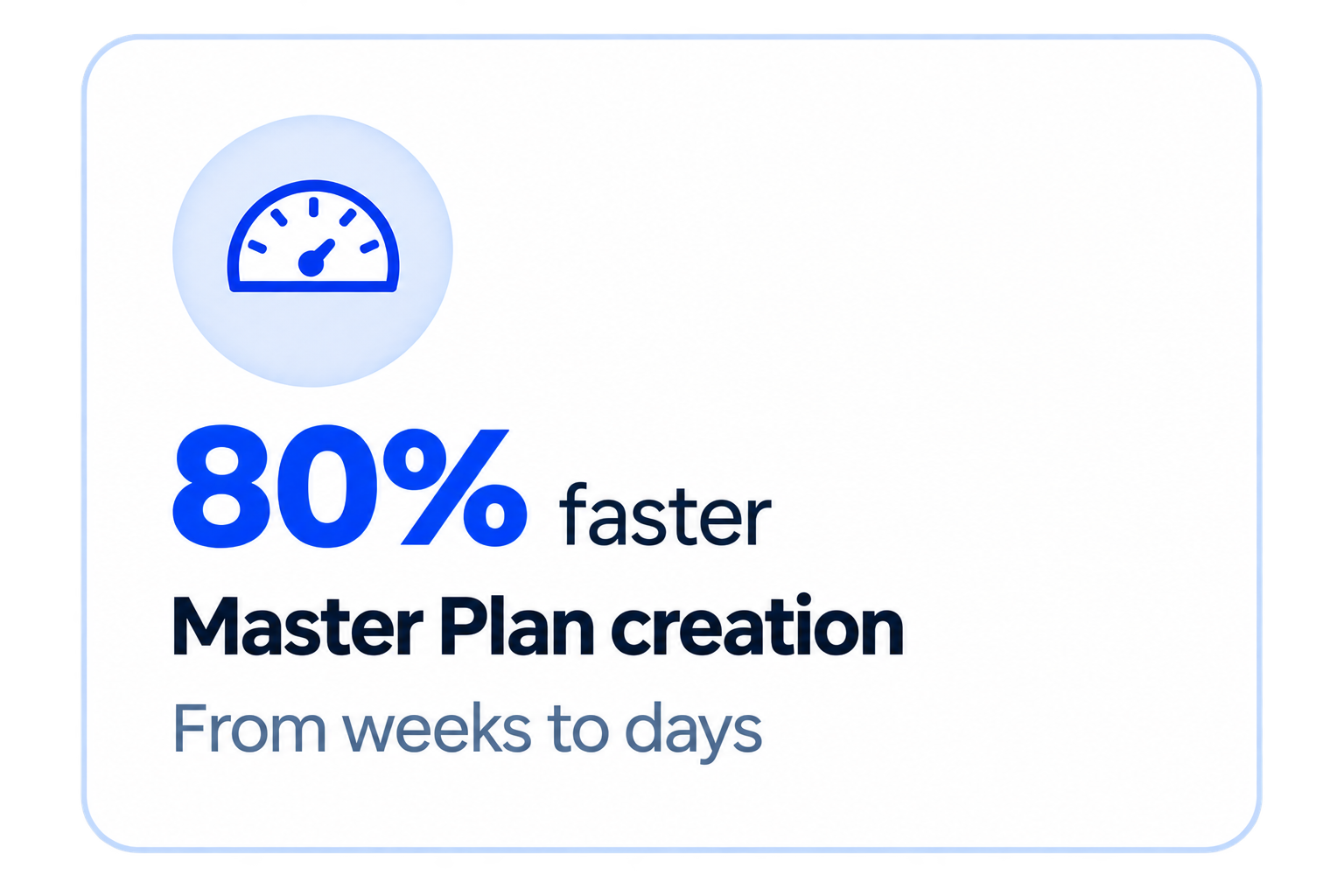
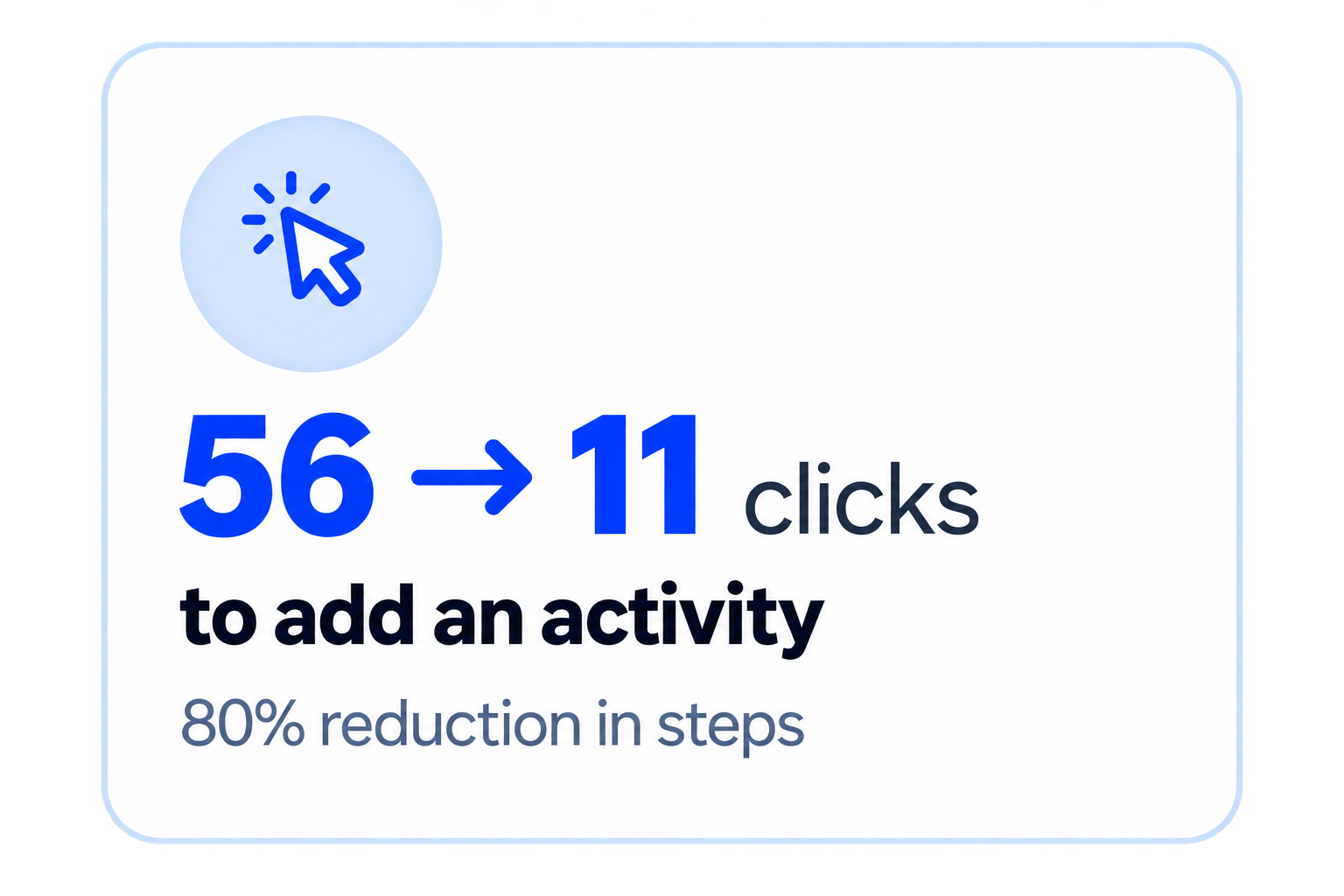
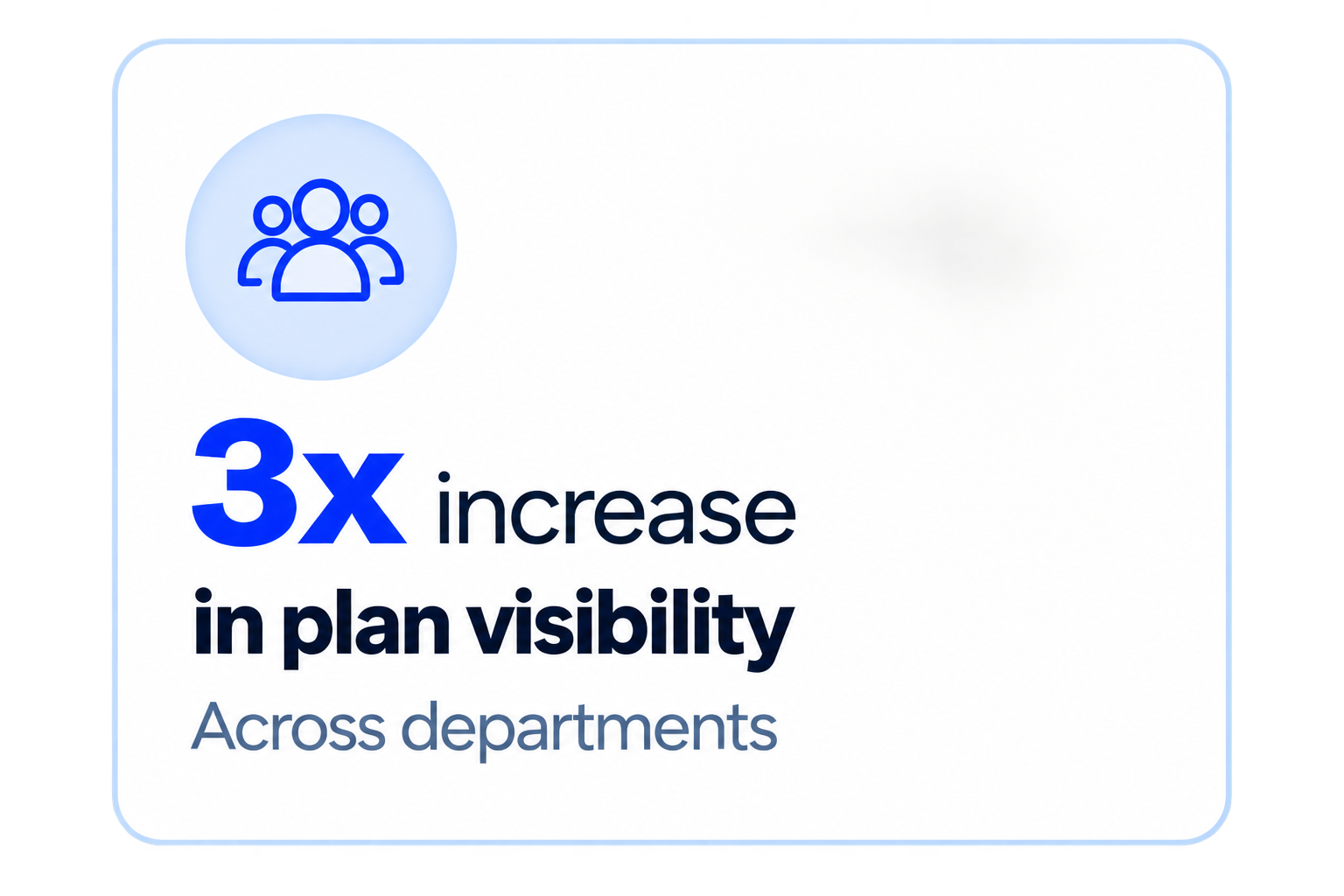
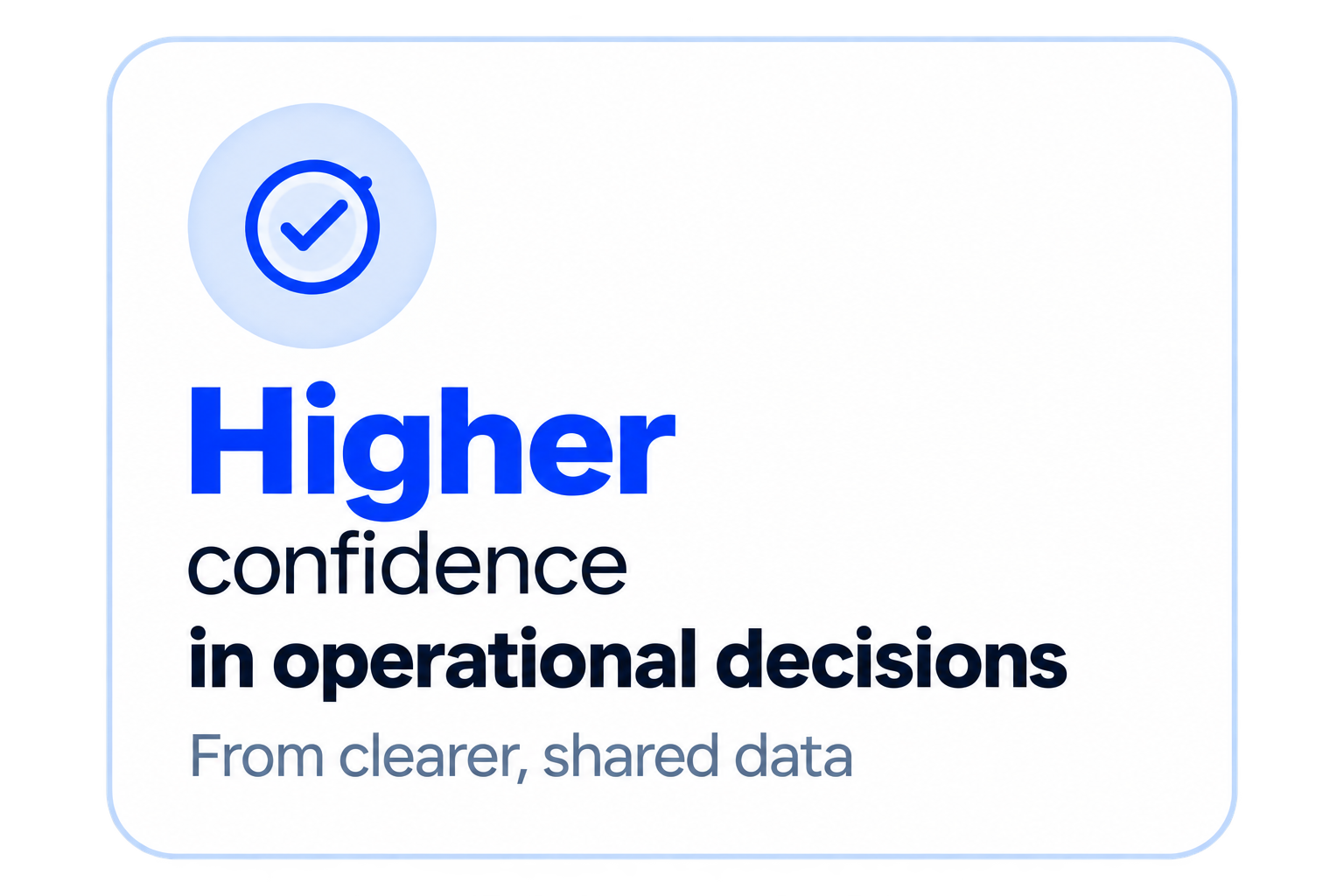
10. OUTCOMES & IMPACT
11.MAJOR TAKEAWAYS
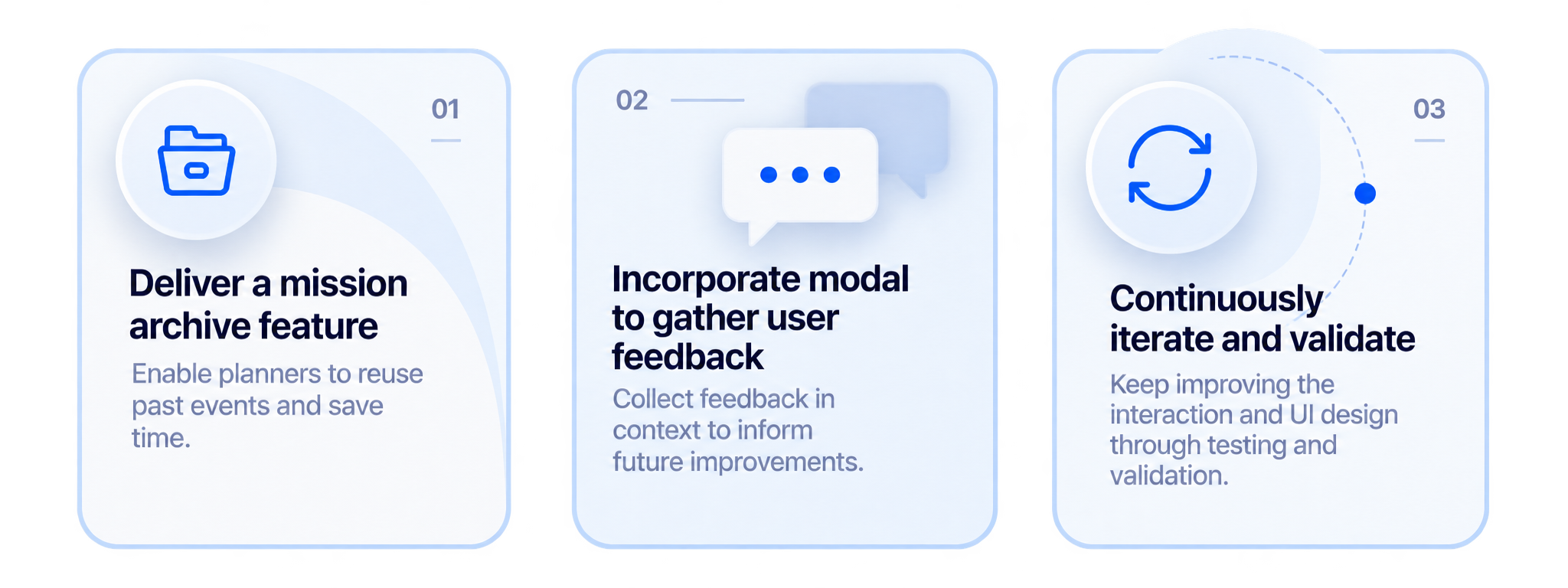
Most users across groups found the solution markedly more valuable than current options despite some usability issues.
Both groups valued the timeline view but want a more presentation-style display for briefings; the planning UI is distracting.
Since the solution is a web app, planners and leaders felt export functionality may be unnecessary because others can view plans directly in the tool.
12. NEXT STEPS